If you’re going to design for mobile, then it’s a good idea to have a grasp of what makes up the modern smartphone in terms of hardware and software. You can then start to think about the possibilities these offer when creating user experiences. The better you know the device, the more you can exploit its capabilities within your products.
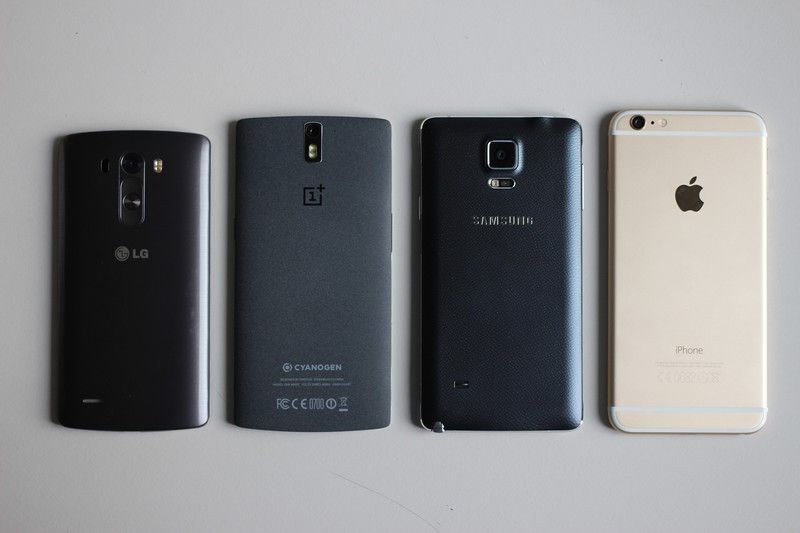
Author/Copyright holder: Maurizio Pesce. Copyright terms and licence: CC BY 2.0
The smartphone has gone from nowhere, in a few short years, to become the world’s most popular Internet access device. Developing mobile apps and mobile websites has become a huge opportunity market because of this but what do we need to consider in terms of the device itself when making design decisions for mobile?
The anatomy of a smartphone comes in two parts; the hardware and the software.
The Software
There are two operating systems that dominate the mobile landscape: Android and iOS. However, there are other operating systems to consider as well.
Android
Founded by Andy Rubin and supported by Google and drawing the backing of many of the major hardware and software developers in the smartphone sphere; Android has gone from strength-to-strength since it was conceived on October 2003. It is the world’s leading smartphone operating system and has been dominant since late 2010.
iOS
Apple’s operating system was, for a considerable period of time, the leading smartphone operating system. It is unsurprising that it should be in 2nd place in terms of market penetration today. Apple does not license its operating system to other hardware providers nor does Apple operate in the budget sector of the smartphone market. While it may be second in terms of market penetration – there’s no doubt that the average iOS user spends more money on apps than the average Android user.
Windows
Windows may be the dominant operating system on the desktop but it’s a bit of an “also ran” on the smartphone. There are fewer apps available for this operating system and it tends to be a tertiary consideration (if it is considered at all) for most developers.
Blackberry
Blackberry was once the dominant force in corporate handset provision. Poor management decisions led to Blackberry suffering a huge dip in market share after smartphones launched. The operating system continues to exist and support millions of subscribers – however the company launched their first Android operating system handset in November 2015 and the future looks dim for Blackberry. It is unlikely that developers will focus on Blackberry without an overwhelming business driver for doing so.
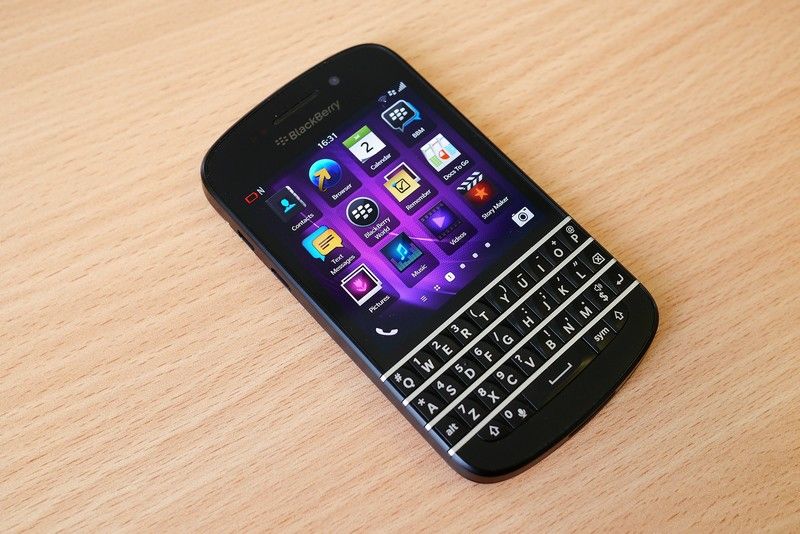
Author/Copyright holder: Kārlis Dambrāns. Copyright terms and licence: CC BY 2.0
Firefox OS
Firefox’s open source OS was launched back in February 2012. While there are a few commercial handsets running Firefox OS at this moment it’s not a primary consideration for most developers.
Sailfish OS
Sailfish is based on Linux and Mer and has a unique programmable UI in the form of Jolla (a multi-tasking interface). It is a project from MeeGo (consisting mainly of ex-Nokia employees) and is yet to achieve any significant commercial uptake.
Hardware
A smartphone is, at heart, a miniature computer and thus it shares many similar components with computers – such as processors and memory. These components are constantly upgraded in new generations of phones and it’s important to consider how to balance the demands you place on this hardware. If you take advantage of latest generation technology; you rule out many existing smartphone owners from using your product. Go back too far in generations and you risk releasing a product which isn’t as powerful as your competitor’s.
However, in this section we want to look at smartphone specific hardware options that are commonly found in smartphones that are not commonly found in desktop/laptop computing. These are the hardware items that designers will want to consider taking advantage of when developing smartphone user experiences.
Touchscreens
The touchscreen interface has developed rapidly over the last decade. There are two main variables to consider when designing for touchscreens:
The sensitivity to touch – resistive screens are made of two layers of conductive material with a gap between them to serve as resistance. They are not as responsive as a capacitive touchscreen, which uses a layer of glass with a conductor over it that senses a break in the electric field when a finger comes into touch with it. There is also the haptic screen which provides tactile feedback to the user when they touch the glass. The Super AMOLED (Active-Matrix Organic Light Emitting Diode) screen includes touch sensors on the display and is a further improvement in both performance and thickness of screen.
The quality of resolution – TFT (Thin Film Transistor) screens offer reasonable resolution but are power intensive, IPS-LCD (In Place Switching Liquid Crystal Displays) offer improvements in both resolution and power consumption (the Retina screen is an IPS-LCD). Then there are OLED (Organic Light Emitting Diodes) and AMOLED (Active-Matrix Organic Light Emitting Diode) screens to consider too both of which offer advantages over LCD.
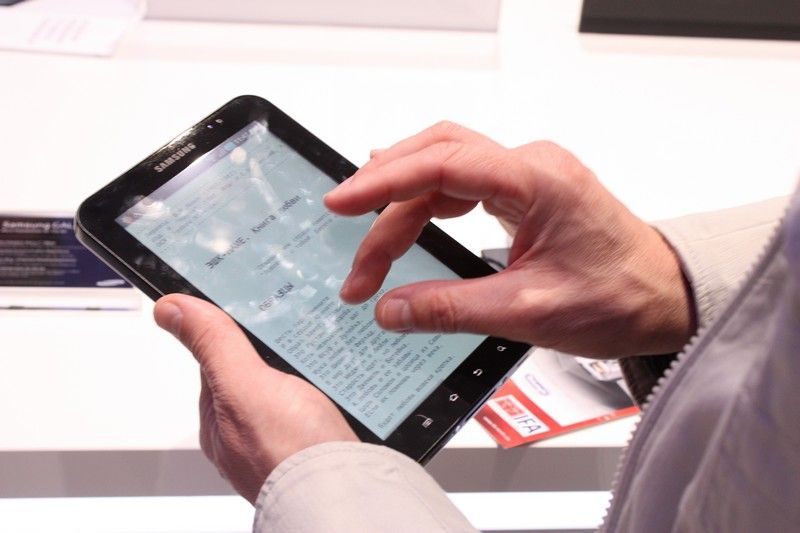
Author/Copyright holder: Bin im Garten. Copyright terms and licence: CC BY-SA 3.0
GPS (Global Positioning System)
GPS chipsets are found in most mid-range and high-end smartphones. They enable, with varying degrees of accuracy, the handset to pinpoint where on earth the smartphone is located.
Designers will need to consider location based services for certain products. GPS allows them to automate much of the grunt work for this.
Accelerometer
Not all phones contain an accelerometer but many do. An accelerometer measures the speed of movement of the device and the direction in which the device is moving.
This enables the pedometer function common in many health apps as well as other more ingenious uses of motion data.
Camera
Nearly all smartphones come with on-board cameras today. These vary in terms of their quality in both resolution and availability (front and/or back mounted cameras) and can be used as input devices.
Heartrate Monitors
Many phones come with a heart rate monitor now and those looking to create mobile health apps will want to tap into this functionality.
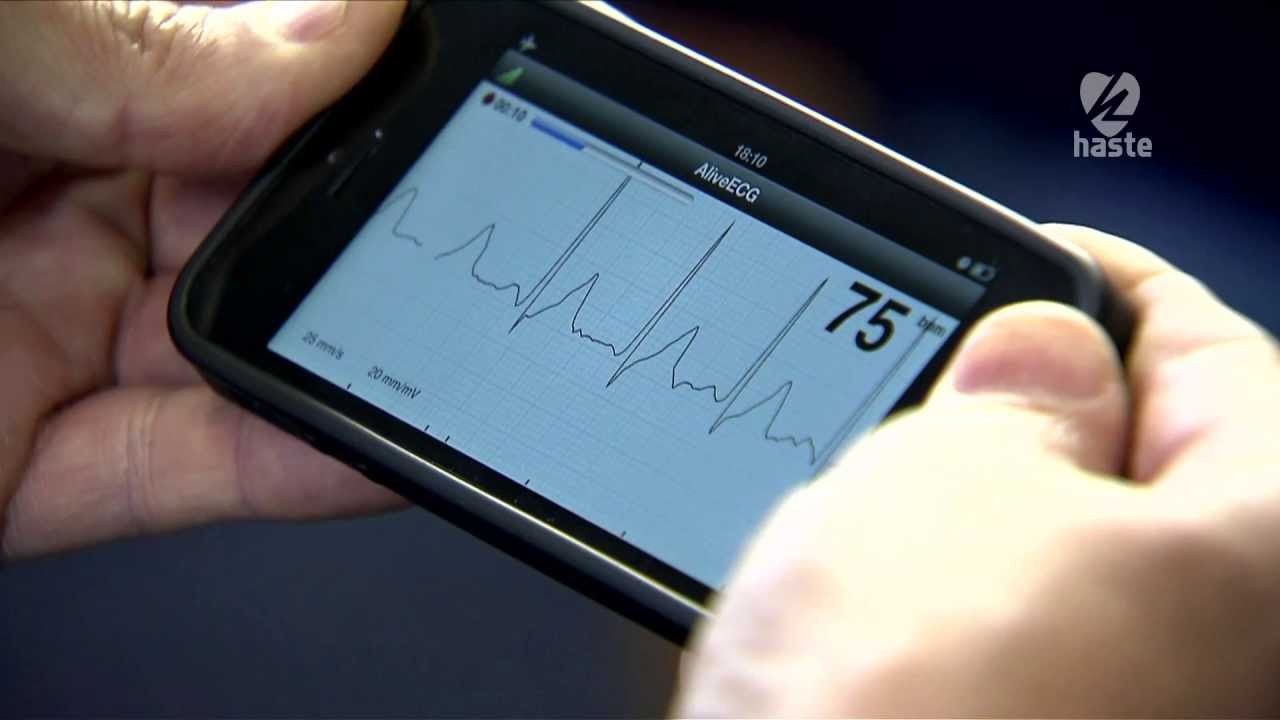 Author/Copyright holder: haste. Copyright terms and licence: Fair Use.
Fingerprint Sensors
High-end smartphones often incorporate finger print scanners and finger print recognition technology. While this can be a useful security measure – over-reliance on finger prints can become a barrier to user acceptance.
The Take Away
Smartphones offer a different experience to desktops and laptops not just because they are smaller but also because they are markedly different from both a hardware and software perspective. The smart designers will look to take advantage of these differences to create memorable user experiences.
References & Where to Learn More:
Course: Mobile User Experience (UX) Design
For a history of smartphones and the issues that are faced by designers through smartphone development, check out this Wiki page.
Hero Image: Author/Copyright holder: Jon Fingas. Copyright terms and licence: CC BY-ND 2.0