Black dog silhouette beside the word MatchDog, with a pale geometric pattern in the background

MatchDog Project Brief

by Daniel Rosenberg • • 6 min read

480 Shares
Save

Welcome to the project brief for MatchDog. In this brief, you’ll get all the information you need to start on the Build Your Portfolio exercises hosted here on the Interaction Design Foundation website.

Goal

Create a complete UX Design for the MatchDog Non-profit spanning a web and mobile experience for the consumer and a web back-office administration UX for an employee while practicing and master the UX Magic Semantic IxD method.

All 3 designs for consumer and admin UX should be based on the same conceptual grammar.

Minimum Viable Scope for B2C UX

  • Learn about MatchDog, a non-profit network of dog rescue centers and shelters.
  • Contribute to MatchDog's dog rescue service (by credit card or digital currency).
  • Complete a questionnaire and upload a photo to be automatically AI matchedto candidate adoptable dogs, one of which could be a robot dog if a live dog is not suitable.
  • Enable users to determine which size/mix live/robot would be best suited to their lifestyle.
  • Determine if user might be a satisfied dog owner or their lifestyle and interest is weak.
  • Read an individual’s dog’s “bio”.
  • View an inventory of dogs, sorting/filter by select attributes.
  • View recent matches.
  • Learn about “Today’s Mutt”.
  • Learn about the dog adoption process.
  • Learn about caring for a dog.
  • Learn about the importance of spaying and neutering.
  • Learn about dog health.
  • Make an appointment for a phone interview to discuss adoption.
  • Make an appointment to come to the shelter and meet a dog.
  • Community for post-adoption services (take a selfie with your new dog and post it).
  • Promote MatchDog’s corporate sponsor, the RoboDog company (very large gifts can receive a robot in return).

Minimum Viable Scope for B2E UX

  • Publish content to website (news and information, dog of the week profiles).
  • Manage the animal database (create, update, delete).
  • Manage consumer accounts.
  • Manage donation process.
  • Manage the adoption process (owner interviews and scheduling delivery).
  • Manage consumer community and follow-on services.
  • Track financials (donations, etc.).
  • Track website analytics (dropped adoptions, etc.).

DO NOT ADD OR REMOVE SCOPE FROM THE MVP DEFINITION!

Design Deliverables

We recommend keeping everything inside the prototype for portfolio purposes and working at medium fidelity. You can switch up to high fidelity later, once the design is tested.

  • Create a cover sheet with your name and the course number, date, etc. (one page).
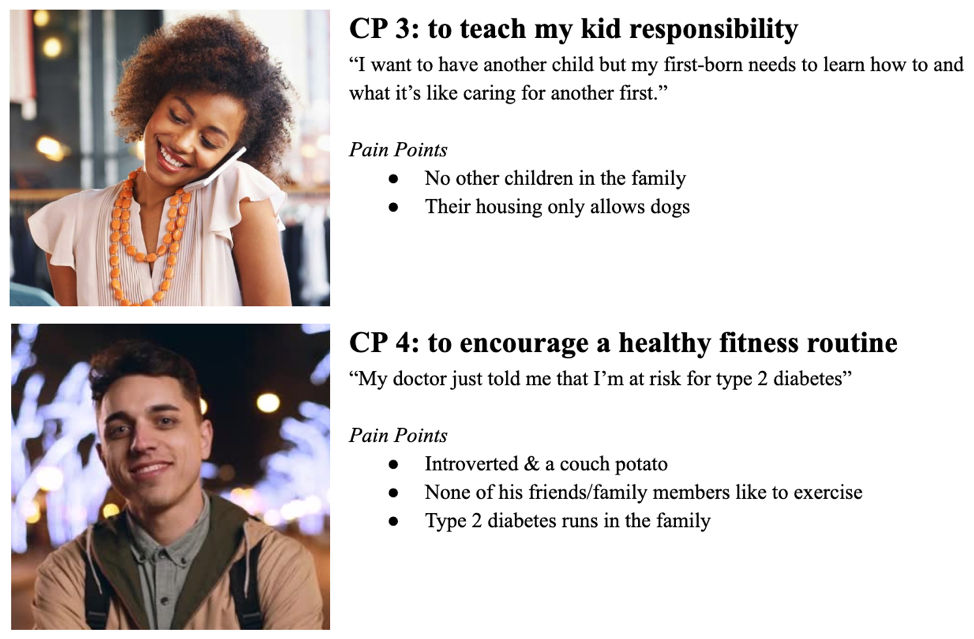
  • Imagine 4 consumer personas (three sentences each) that might use this site/app (one page).
    • Focus on their empathetic need (why they want a dog).
    • Age, gender, lifestyle characteristics are all secondary.
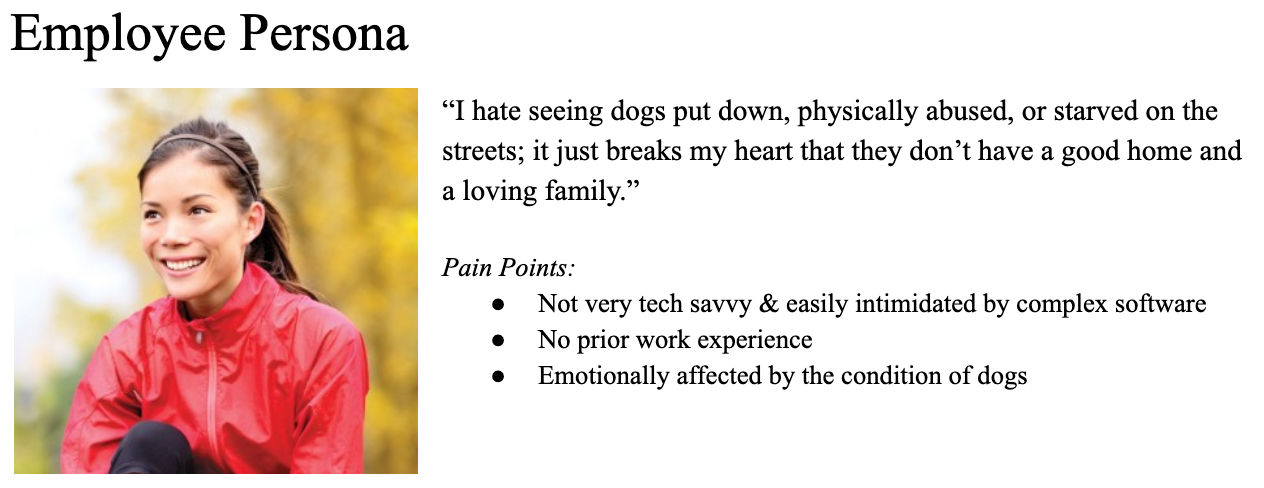
  • Imagine 1 employee/admin persona (not a technical person).
  • Create an End-to-End Journey map for the dog adoption process.
  • Create the Object-Action Matrix (MVP scope).
  • Create the Object-Attributes Table (MVP scope).
  • Normalize, refine and simplify the grammar using the sparse matrix test.
  • Create the Prioritization Matrix of action/object pairs.
  • Scan and include paper sketches for 3 different concepts that articulate your grammar.
    • Refer to grids & grammar topic to generate different approaches.
  • Build the navigation framework and basic page structure for the Web and Mobile designs.
  • Make the basic navigation clickable. (Don’t worry about fine details, yet.)
    • Does your navigation framework clearly articulate your GRAMMAR?
    • Does it match your prioritization matrix?
  • Add in sample content, enough to let a portfolio viewer understand your design

Project Design Suggestions

  • Use an interactive prototyping tool such as Axure. (Hotspot prototyping tools will not be sufficient and require many redundant screens to simulate different interaction states.)
  • Medium-fidelity wireframe (generally black and white).
  • Only use one font (Maximum of 3 different sizes and 2 faces).
  • Only use color where it has meaning (otherwise black and white).
  • Photos are allowed.
  • No animation.
  • No embedded video, etc.

Focus on conceptual validity, not making it pretty. That step will come later.

Personas

Note that each consumer one has a very different empathic need.
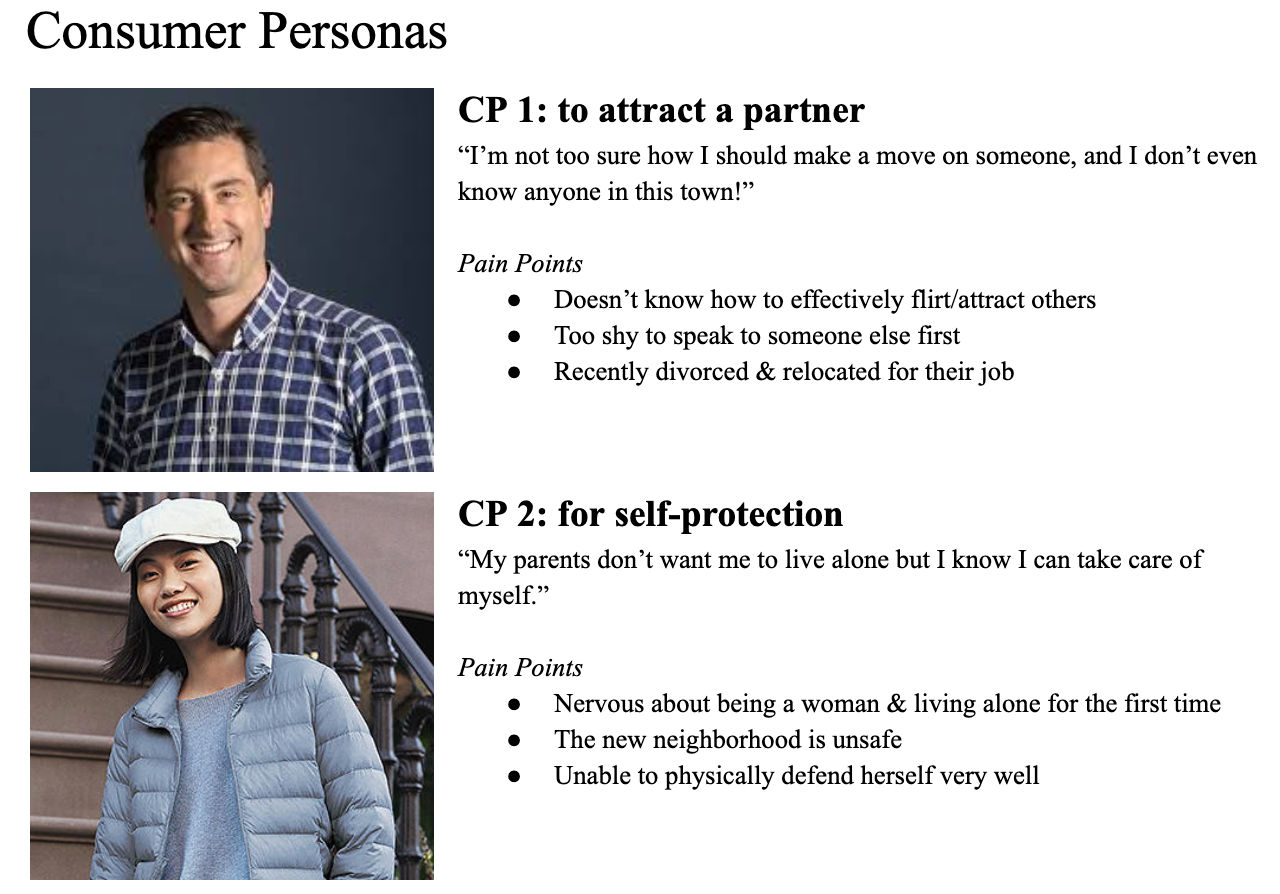

Special thanks to SJSU students for providing these personas from their research

From the combination of the design brief and these personas, you should be able to generate several dozen user stories. In an actual UCD process, this should be the result of formal user research. However, here as a shortcut, you can fill in the details using your imagination or prior experience as a pet owner.

Learn More in This Course:

Learn Design and AI From the Best

Get one powerful email each week, like 313,894 others.

Next email in:

What You Should Read Next

  • Read full article
    Don Norman: How You Can Rapidly Move Up by Thinking in Systems (Not Features) - Article hero image

    Don Norman: How You Can Rapidly Move Up by Thinking in Systems (Not Features)

    How can you move up in a company? Learn the fundamentals of business such as statistics, finance, accounting, marketing, supply chain and administration. How do you do that? One way to do this is to get a Master of Business Administration (MBA) degree. But Don says you can also learn them without go

    Social shares
    611
    Published
    Read Article
  • Read full article
    How to Find Your Voice: Speak with Confidence and Clarity - Article hero image

    How to Find Your Voice: Speak with Confidence and Clarity

    You’ve heard it before “It’s not what you said—it’s how you said it.” Your voice can change how people feel—even if your message doesn’t. If you vary your tone and pacing, you can make your ideas sound more trustworthy, exciting, or urgent. Harness this neuroscience-backed communication power and yo

    Social shares
    452
    Published
    Read Article
  • Read full article
    Avoid Death by PowerPoint: Structure Your Slides for Maximum Impact - Article hero image

    Avoid Death by PowerPoint: Structure Your Slides for Maximum Impact

    Your message is ready, your delivery honed. Now, how do you put that brilliance on slides? Discover how to structure your slide deck strategically so that it supports your message, whether you present live or share it for independent review.Whether you're pitching to stakeholders, leading a team mee

    Social shares
    424
    Published
    Read Article
  • Read full article
    Use Feedback as Your Superpower: Learn, Improve, Shine - Article hero image

    Use Feedback as Your Superpower: Learn, Improve, Shine

    Feedback: the word alone can inspire apprehension. Yet, it’s the lifeblood of great design. Whether it’s subtle critique or blunt rejection, how you respond to feedback matters more than you think. You can defend your design—or you can use that moment to learn, improve, and show you're the kind of p

    Social shares
    342
    Published
    Read Article
  • Read full article
    Overcome the Self-Doubt That Stops You from Being an Excellent Presenter - Article hero image

    Overcome the Self-Doubt That Stops You from Being an Excellent Presenter

    Do you doubt your ability to speak up, thinking you’re not the public speaking type? Many people do. But the truth is, most beliefs about presentation skills are simply wrong. Let’s break down these myths and boost your confidence—you’ve got far more potential than you think.In the next video, Morga

    Social shares
    315
    Published
    Read Article
  • Read full article
    Present Like a Pro: Become a Designer Who Leads - Article hero image

    Present Like a Pro: Become a Designer Who Leads

    Your ideas are only as powerful as your ability to communicate them. You can design the perfect solution ... but if nobody understands it, cares about it, or champions it? It goes nowhere. If you can master presentation skills, you’ll open new doors in your design career, access new opportunities, a

    Social shares
    322
    Published
    Read Article
  • Read full article
    Presentation Pitfalls and How You Avoid Them - Article hero image

    Presentation Pitfalls and How You Avoid Them

    You’ve worked hard on your ideas—don’t let simple messaging missteps keep them from landing. Make your brilliant ideas shine in every presentation by deftly sidestepping common messaging missteps, and give your hard work the influence it deserves every time.Morgane Peng, Head of Product Design & AI

    Social shares
    331
    Published
    Read Article
  • Read full article
    How to Change Your Career from Software Development to UX Design - Article hero image

    How to Change Your Career from Software Development to UX Design

    Most people believe that an aesthetic sense or a formal education in visual design is necessary to become a user experience (UX) designer. This perception unfortunately becomes an obstacle for software developers who want to switch their career to UX design.If you’re a software developer who wants t

    Social shares
    727
    Published
    Read Article
  • Read full article
    Design League Savings, AI Tutor, and Pricing Updates - Article hero image

    Design League Savings, AI Tutor, and Pricing Updates

    Rikke and I started IxDF in 2002 with nothing. We lived in a bamboo hut in Thailand with no investors, no safety net, and no plan B. We had a conviction that world-class design education should not be a privilege reserved for people who could afford a $15,000 degree.That conviction has never changed

    Social shares
    170
    Published
    Read Article
  • Read full article
    If You Don’t Fail, You’re Not Trying Hard Enough - Article hero image

    If You Don’t Fail, You’re Not Trying Hard Enough

    In some cultures, people never recover from failure, and Don Norman says this is wrong. In other cultures, failure is seen as a way to learn. David Kelley, the founder of design firm IDEO, once said, “Fail faster, succeed sooner.” Don says this is good, but encourages us to take it one step further,

    Social shares
    606
    Published
    Read Article

Top Articles

Top Topic Definitions

39% of Today's Skills Will Change by 2030

The World Economic Forum expects 39% of today's skills to be transformed or become outdated by 2030.

The good news is that jobs in UX / UI design and AI are among the fastest-growing professions globally.

Build Skills That Keep You Relevant

Privacy Settings

By using this site, you accept our Cookie Policy and Terms of Use.
Customize
Accept all

Be the One Who Inspires

People remember who shares great ideas.

Share on:

Academic Credibility — On Autopilot

Don't waste time googling citation formats. Just copy, paste and look legit in seconds.

Learn Design and AI From the Best

Get one powerful email each week, like 313,894 others.

Next email in: